18. What Counts Toward Your Plan
18.1 The short version
You are billed on how many locations you actually used in a month — not how many customer records you happen to have stored. A customer sitting in your list with nothing happening does not count.
18.2 What makes a location count
A location counts for the month if any of these happen:
- A lawn service is scheduled or completed at it.
- A one-off job is booked at it (see Section 8).
- Any money moves for the customer who owns it — a charge, a payment, a credit, or a refund.
Each location counts once in a month, no matter how many times it's serviced. A weekly customer costs the same as a monthly one.
18.3 What does not count
- Customers with no activity that month.
- Canceled or paused customers, while they stay that way.
- Extra contacts, notes, or files on a customer you're already counting.
18.4 Seeing your usage
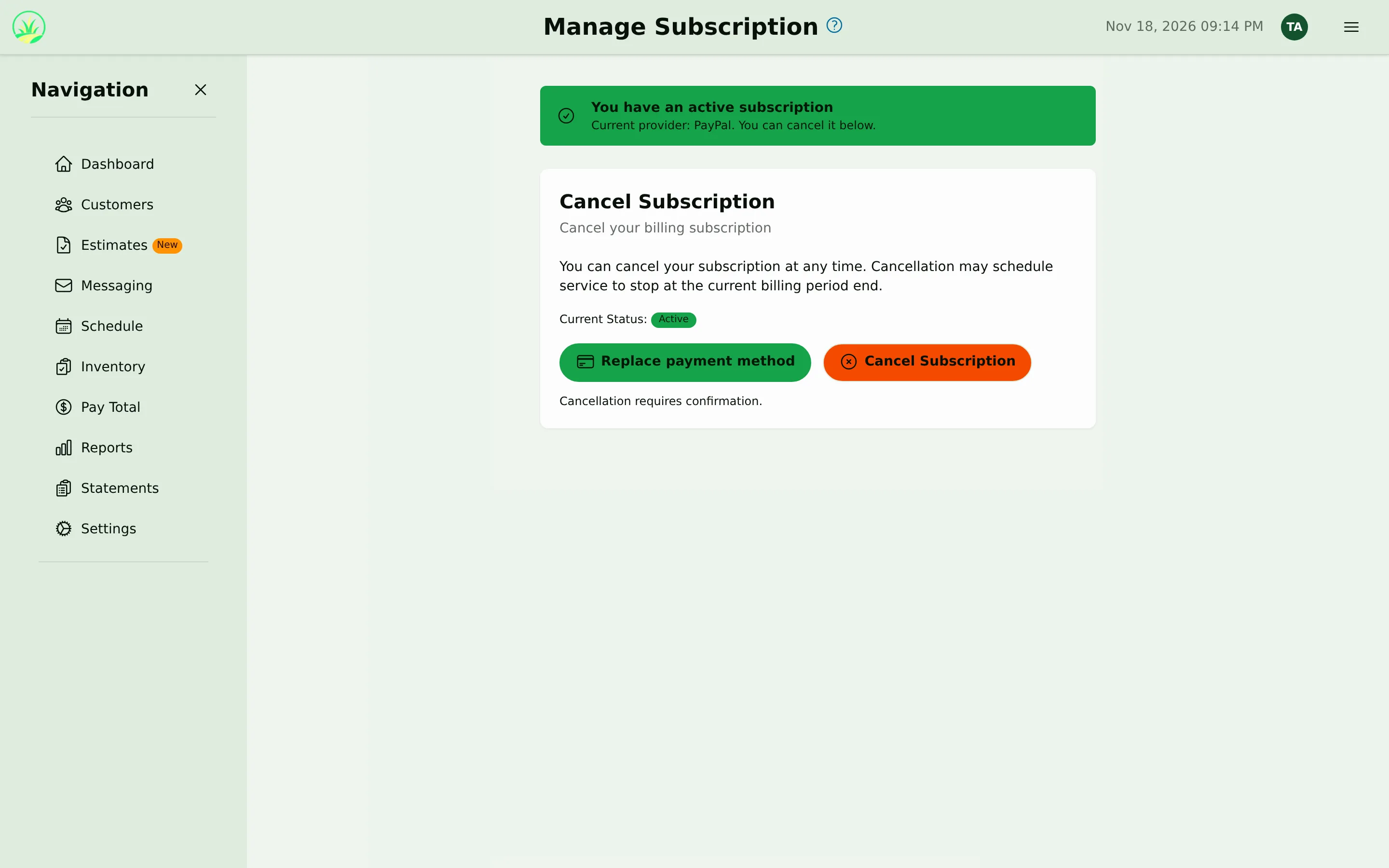
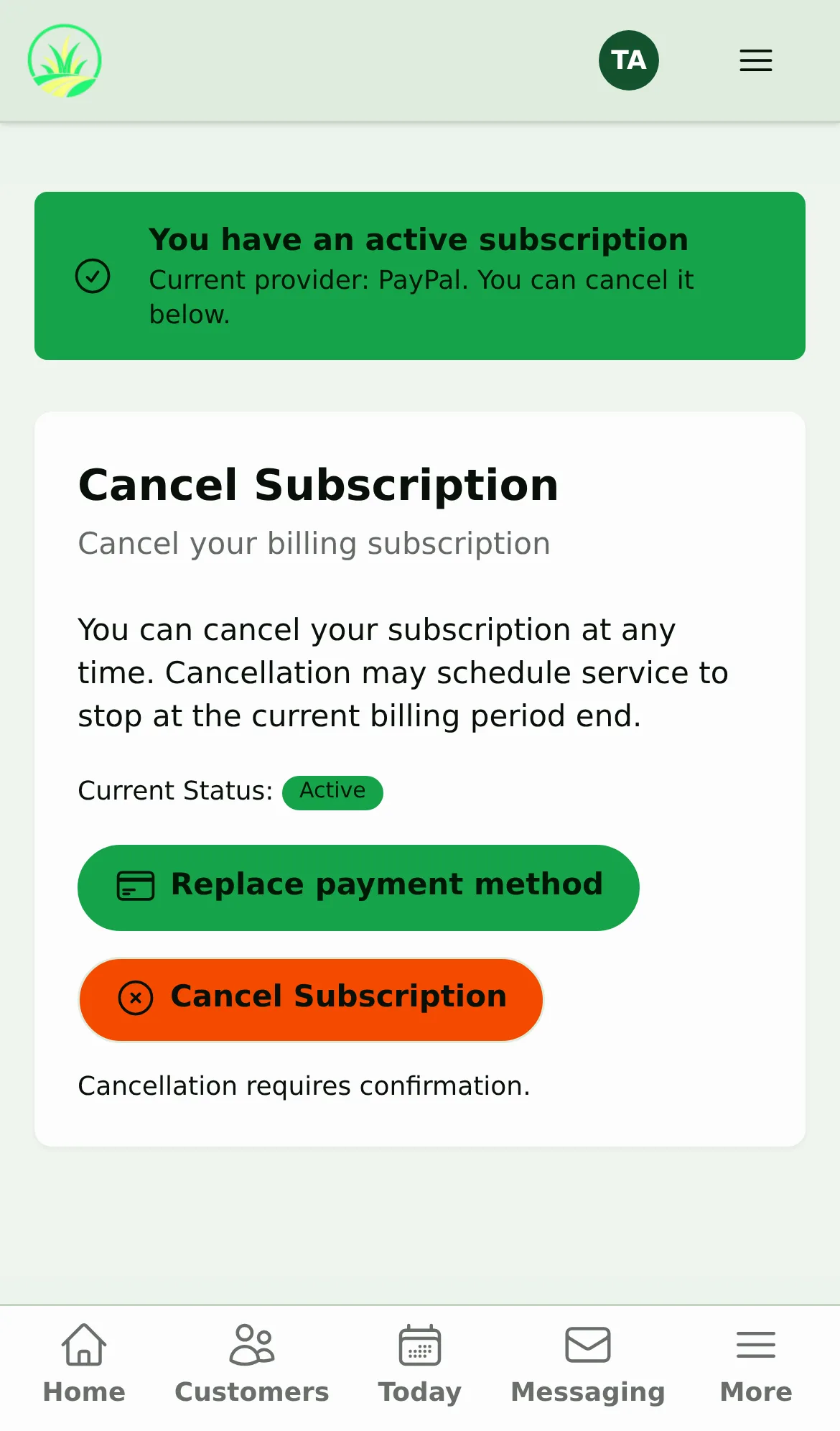
Manage EZ Lawn Biller Plan is in the account menu (your picture or initials, top right), not in Settings. It shows the state of your subscription (active, on a trial, past due or none), and lets you subscribe with PayPal or Stripe, replace the payment method or cancel the subscription.
The page does not show the month's location count. To know where you stand before adding a large batch of customers, contact support.