17. QuickBooks
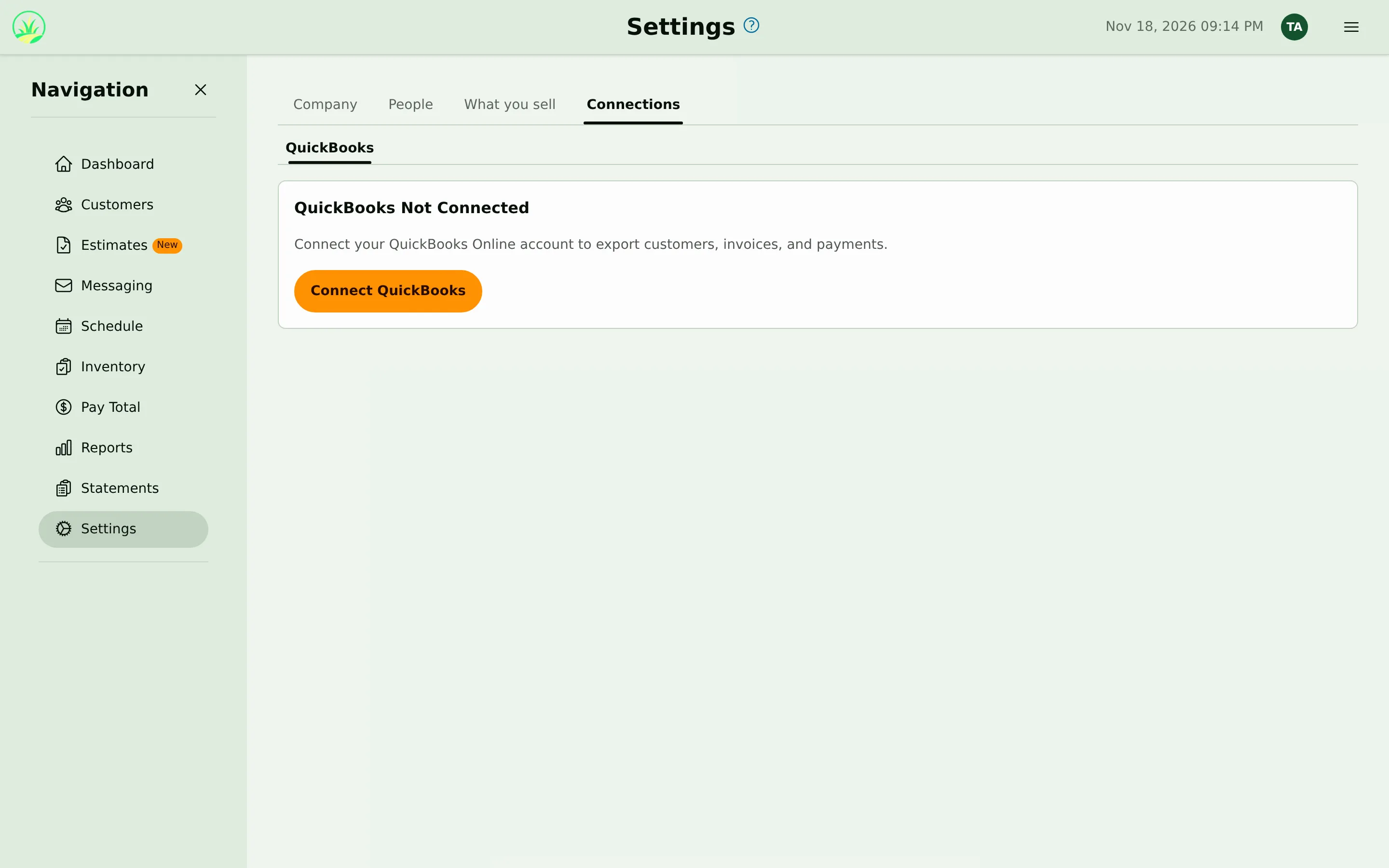
Sync your EZ Lawn Biller data with QuickBooks Online to keep your accounting up to date. Everything is on one page: Settings › Connections › QuickBooks.
17.1 Connecting Your QuickBooks Account
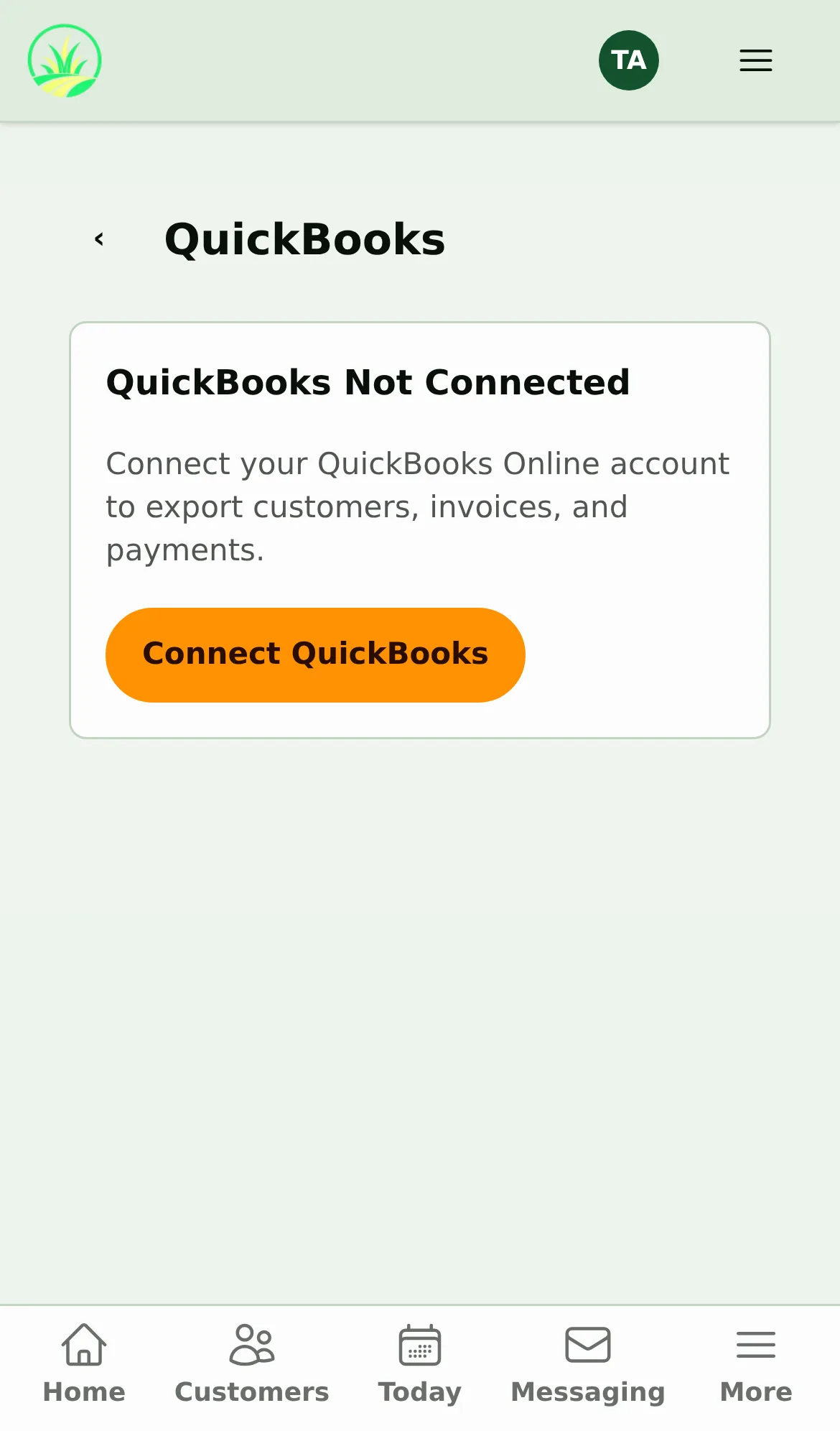
- Go to Settings › Connections › QuickBooks. Until you connect, it shows QuickBooks Not Connected.
- Click Connect QuickBooks.
- You'll be redirected to Intuit's login page — sign in with your QuickBooks credentials.
- Give EZ Lawn Biller permission to reach your QuickBooks data.
- You come back to EZ Lawn Biller. The page shows your QuickBooks company's name, when it was connected, and Connected.
The connection uses official Intuit OAuth — your QuickBooks password is never stored in EZ Lawn Biller.
When the connection has expired, the page shows Requires Reconnection and the message "Your QuickBooks authorization has expired." Click Reconnect QuickBooks and sign in to Intuit again.
17.2 What Gets Synced
Data flows one way — from EZ Lawn Biller into QuickBooks:
| In EZ Lawn Biller | In QuickBooks |
|---|---|
| Customers | Customers |
| Recurring Billing Items and One-time Services | Items |
| Closed statements | Invoices |
| Payments | Payments |
A statement with no charges is skipped: there is nothing to invoice.
Two settings decide how it runs. Both save as soon as you change them; there is no Save button on this page.
| Setting | What it does |
|---|---|
| Automatic Sync | On: new customers, statements and payments are exported to QuickBooks as they are created. Off: you send them with the export buttons (17.3) |
| Default income account | The QuickBooks income account your exported items and invoices are recorded in. Saved when you choose it. ↻ beside the list loads the accounts from QuickBooks again |
Service items not syncing: QuickBooks won't accept a service item until you've chosen which income account it goes to. Until you do, the QuickBooks page says Service items are not syncing to QuickBooks, and a warning, Your service items are not syncing to QuickBooks, appears at the top of every page, with how many items are waiting and an Open QuickBooks settings button. To fix it, choose the Default income account on the QuickBooks page. The warning clears by itself, and the waiting items go through.
17.3 Exports and their counts
Under Exported, four counts show how far each kind of record has gone, as "exported of total":
| Count | What it also shows |
|---|---|
| Customers | How many failed |
| Items | How many failed |
| Statements | How many have invoices, how many were skipped (no charges), how many are pending and how many failed |
| Payments | How many are pending and how many failed |
Failed exports appear below the counts, one box per kind, with the record and the error QuickBooks gave. Failed statements and failed payments have Retry Statements and Retry Payments, which send them again.
Bulk exports send every record not exported yet, up to 100 at a time, in the background: Export Customers, Export Items, Export Statements and Export Payments. The first time, export them in that order: customers, then items, then statements, then payments.
Refresh counts updates the counts; Open QuickBooks Online ↗ opens QuickBooks in a new tab.
The separate Export Dashboard of earlier versions is now part of this page.
Disconnecting
Disconnect QuickBooks at the bottom of the page ends the connection with QuickBooks Online. Data already exported to QuickBooks is not affected.
In the confirmation, Clear all sync data also deletes EZ Lawn Biller's record of what was exported and marks every statement and payment as not exported. Use it only if you plan to connect a different QuickBooks company: it cannot be undone. Click Disconnect (or Disconnect & Clear Data) to confirm.
17.4 Troubleshooting Sync Errors
| Problem | Solution |
|---|---|
| Requires Reconnection | The authorization expired. Click Reconnect QuickBooks (17.1) |
| Service items are not syncing to QuickBooks | Choose the Default income account (17.2) |
| QuickBooks has refused new data | QuickBooks says your QuickBooks Online subscription has ended, was canceled, or has a billing problem. Renew it in QuickBooks. If the refusal lasts more than a few days, exports pause (the page says when); after renewing, click Resume QuickBooks exports, and the statements and payments that were stopped are sent again |
| A customer with the same name is already in QuickBooks | EZ Lawn Biller uses the existing QuickBooks customer when it is clearly the same person. When it can't tell, it creates a new one with the customer number added to the name, for example "Jane Smith (#1042)", rather than merge two different people |
| Anything else in Failed exports | Read the error shown with the record, fix it in EZ Lawn Biller or QuickBooks, then click Retry Statements or Retry Payments |